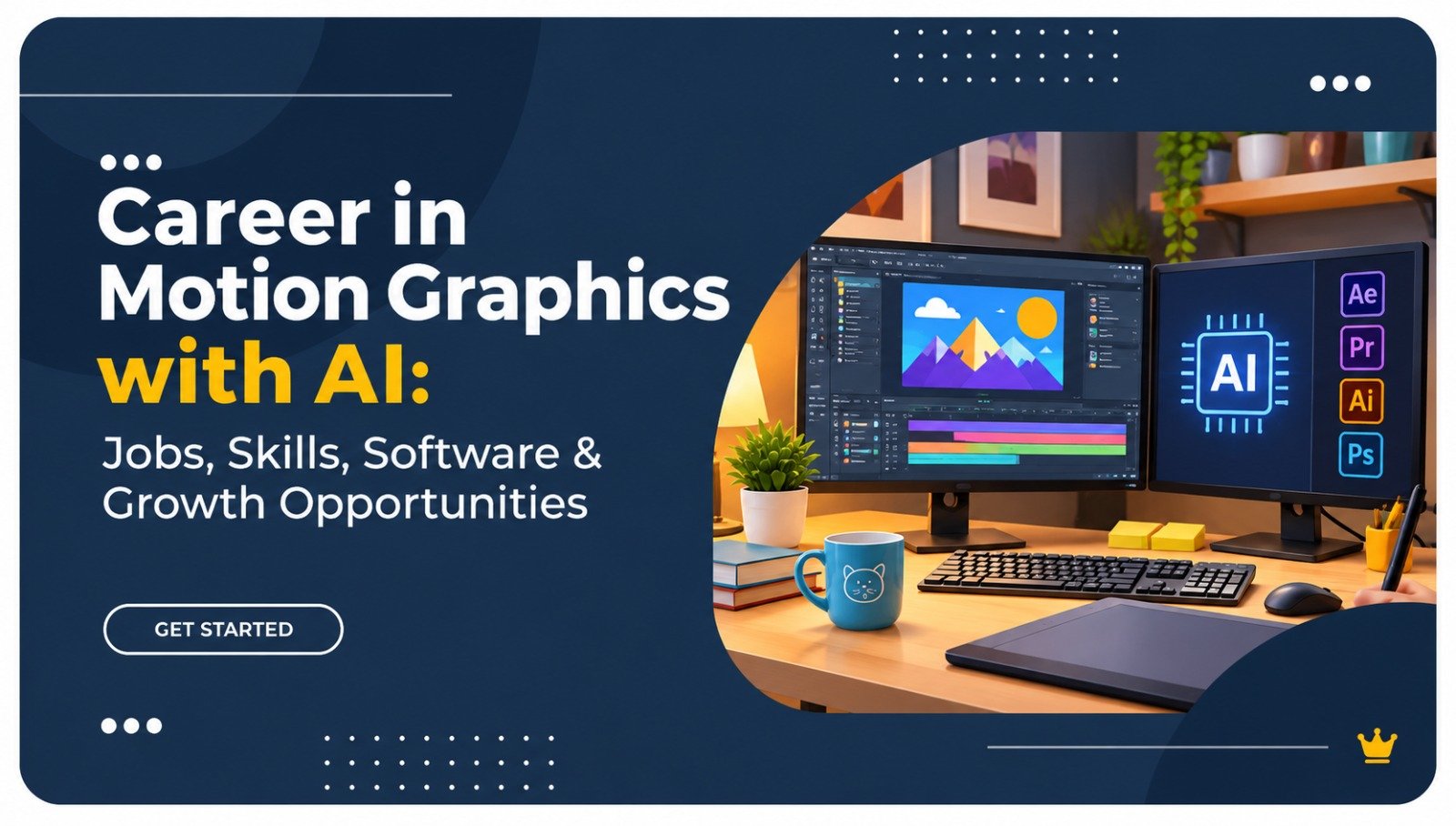
Career in Motion Graphics with AI: Jobs, Skills, Software & Growth Opportunities

# Career in Motion Graphics with AI: Jobs, Skills, Software & Growth Opportunities Motion graphics turn ordinary visuals into engaging stories. From animated advertisements and Instagram reels to film titles, product explainers and YouTube videos, motion graphics are now an important part of digital communication. With Artificial Intelligence (AI) entering creative workflows, designers can explore new ways to create, animate and edit visual content. For students interested in creativity and technology, a career in motion graphics offers opportunities across advertising, entertainment, digital marketing and media production. ## 1. What Is Motion Graphics with AI? Motion graphics is the art of bringing graphic elements such as text, shapes, illustrations and images to life through animation. AI tools can support tasks such as image generation, object selection, visual enhancement and creative development. For example, a designer can animate a brand logo and use AI-assisted tools to speed up parts of the editing process. ## 2. Why Is Motion Graphics Becoming Important? Businesses need engaging visual content to communicate with customers. Advertisements, social media campaigns, product demonstrations and online videos increasingly use animation. India's animation, VFX and post-production segment is projected to grow from ₹105 billion in 2025 to ₹138 billion by 2028, according to the FICCI-EY 2026 report. ## 3. How Is AI Transforming Motion Graphics? AI is helping creative professionals improve production workflows. It can assist with generating visual concepts, removing backgrounds, animating elements and creating video assets. However, AI does not replace creative thinking. Designers still need storytelling, timing, composition and visual communication skills to produce meaningful work. ## 4. Essential Skills for a Motion Graphics Designer A professional motion graphics designer needs a combination of creative and technical abilities: - Graphic design and visual composition - Animation principles and storytelling - Typography and colour theory - Video editing and sound synchronisation - 2D and 3D animation fundamentals - AI-assisted creative workflows Building these skills through practical projects is important for developing professional confidence. ## 5. Best Software for Motion Graphics | Software | Main application | |---|---| | Adobe After Effects | Motion graphics and visual effects | | Adobe Premiere Pro | Professional video editing | | Adobe Photoshop | Image editing and creative assets | | Adobe Illustrator | Vector graphics and illustrations | | Blender | 3D modelling and animation | | Canva | Quick visual content creation | AI-powered features in tools such as Adobe After Effects can also help with selected editing and animation tasks. ## 6. What Jobs Can You Get After Learning Motion Graphics? Motion graphics training can prepare learners for several creative roles, depending on their portfolio and skills. Popular career options include: - Motion Graphics Designer - Video Editor - 2D Animator - Visual Effects Artist - Social Media Video Creator - Advertising Creative Designer - Freelance Motion Designer ## 7. Where Do Motion Graphics Designers Work? Designers can work with advertising agencies, production houses, animation studios, digital marketing companies, gaming studios and content creators. Freelancing also offers opportunities to work with clients across different industries. ## 8. Motion Graphics vs Video Editing: What's the Difference? | Motion Graphics | Video Editing | |---|---| | Creates animated visual elements | Arranges and edits video footage | | Focuses on animation and design | Focuses on storytelling and sequencing | | Uses After Effects and Blender | Uses Premiere Pro and similar tools | | Creates titles, transitions and animated graphics | Produces finished video content | Both skills complement each other and can improve career opportunities. ## 9. How to Start a Career in Motion Graphics Start with graphic design fundamentals, learn professional software, practise animation techniques and create sample projects. Build a portfolio containing animated logos, advertisements, explainers and social media videos. A strong portfolio can help demonstrate your skills to employers and potential clients. ## 10. Learn Motion Graphics with AI at Lakshaya Institute Students exploring a **Motion Graphics Course in Delhi** can consider practical training at Lakshaya Institute in Janakpuri. A well-structured learning programme should cover design fundamentals, animation software, video editing and relevant AI tools. Before enrolling, review the curriculum, trainer experience, practical projects and portfolio development support. ## 11. What Is the Future of Motion Graphics? AI-assisted production, short-form video, digital advertising and visual storytelling are creating new creative workflows. Professionals who combine design fundamentals with software expertise and AI literacy can adapt to changing industry requirements. ## Frequently Asked Questions About Motion Graphics with AI **Q1. Is motion graphics a good career in India?** Yes. Motion graphics skills are useful in advertising, entertainment, digital marketing, social media and video production. **Q2. Which software is best for motion graphics?** Adobe After Effects is a widely used tool for motion graphics. Blender is useful for 3D animation. **Q3. Can beginners learn motion graphics?** Yes. Beginners can start with design fundamentals and gradually learn animation and editing software through practice. **Q4. How does AI help motion graphics designers?** AI can assist with visual generation, object selection, editing and creative workflows, helping designers explore ideas more efficiently. **Q5. Where can I learn motion graphics in Delhi?** You can explore motion graphics training programmes at Lakshaya Institute in Janakpuri, Delhi. Compare the curriculum, practical projects and learning support before enrolling. ## Conclusion A career in motion graphics combines creativity, technology and visual storytelling. Learning professional software, developing a strong portfolio and understanding AI-assisted workflows can help you prepare for opportunities in the creative industry. **Remember: AI can accelerate the creative process, but your imagination, design skills and storytelling make the work memorable.**

Motion graphics turn ordinary visuals into engaging stories. From animated advertisements and Instagram reels to film titles, product explainers and YouTube videos, motion graphics are now an important part of digital communication.

With Artificial Intelligence (AI) entering creative workflows, designers can explore new ways to create, animate and edit visual content. For students interested in creativity and technology, a career in motion graphics offers opportunities across advertising, entertainment, digital marketing and media production.

1. What Is Motion Graphics with AI?

Motion graphics is the art of bringing graphic elements such as text, shapes, illustrations and images to life through animation. AI tools can support tasks such as image generation, object selection, visual enhancement and creative development.

For example, a designer can animate a brand logo and use AI-assisted tools to speed up parts of the editing process.

2. Why Is Motion Graphics Becoming Important?

Businesses need engaging visual content to communicate with customers. Advertisements, social media campaigns, product demonstrations and online videos increasingly use animation.

India’s animation, VFX and post-production segment is projected to grow from ₹105 billion in 2025 to ₹138 billion by 2028, according to the FICCI-EY 2026 report.

3. How Is AI Transforming Motion Graphics?

AI is helping creative professionals improve production workflows. It can assist with generating visual concepts, removing backgrounds, animating elements and creating video assets.

However, AI does not replace creative thinking. Designers still need storytelling, timing, composition and visual communication skills to produce meaningful work.

4. Essential Skills for a Motion Graphics Designer

A professional motion graphics designer needs a combination of creative and technical abilities:

  • Graphic design and visual composition
  • Animation principles and storytelling
  • Typography and colour theory
  • Video editing and sound synchronisation
  • 2D and 3D animation fundamentals
  • AI-assisted creative workflows

Building these skills through practical projects is important for developing professional confidence.

5. Best Software for Motion Graphics

SoftwareMain application
Adobe After EffectsMotion graphics and visual effects
Adobe Premiere ProProfessional video editing
Adobe PhotoshopImage editing and creative assets
Adobe IllustratorVector graphics and illustrations
Blender3D modelling and animation
CanvaQuick visual content creation

AI-powered features in tools such as Adobe After Effects can also help with selected editing and animation tasks.

6. What Jobs Can You Get After Learning Motion Graphics?

Motion graphics training can prepare learners for several creative roles, depending on their portfolio and skills.

Popular career options include:

  • Motion Graphics Designer
  • Video Editor
  • 2D Animator
  • Visual Effects Artist
  • Social Media Video Creator
  • Advertising Creative Designer
  • Freelance Motion Designer

7. Where Do Motion Graphics Designers Work?

Designers can work with advertising agencies, production houses, animation studios, digital marketing companies, gaming studios and content creators. Freelancing also offers opportunities to work with clients across different industries.

8. Motion Graphics vs Video Editing: What’s the Difference?

Motion GraphicsVideo Editing
Creates animated visual elementsArranges and edits video footage
Focuses on animation and designFocuses on storytelling and sequencing
Uses After Effects and BlenderUses Premiere Pro and similar tools
Creates titles, transitions and animated graphicsProduces finished video content

Both skills complement each other and can improve career opportunities.

9. How to Start a Career in Motion Graphics

Start with graphic design fundamentals, learn professional software, practise animation techniques and create sample projects. Build a portfolio containing animated logos, advertisements, explainers and social media videos.

A strong portfolio can help demonstrate your skills to employers and potential clients.

10. Learn Motion Graphics with AI at Lakshaya Institute

Students exploring a Motion Graphics Course in Delhi can consider practical training at Lakshaya Institute in Janakpuri. A well-structured learning programme should cover design fundamentals, animation software, video editing and relevant AI tools.

Before enrolling, review the curriculum, trainer experience, practical projects and portfolio development support.

11. What Is the Future of Motion Graphics?

AI-assisted production, short-form video, digital advertising and visual storytelling are creating new creative workflows. Professionals who combine design fundamentals with software expertise and AI literacy can adapt to changing industry requirements.

Frequently Asked Questions About Motion Graphics with AI

Q1. Is motion graphics a good career in India?

Yes. Motion graphics skills are useful in advertising, entertainment, digital marketing, social media and video production.

Q2. Which software is best for motion graphics?

Adobe After Effects is a widely used tool for motion graphics. Blender is useful for 3D animation.

Q3. Can beginners learn motion graphics?

Yes. Beginners can start with design fundamentals and gradually learn animation and editing software through practice.

Q4. How does AI help motion graphics designers?

AI can assist with visual generation, object selection, editing and creative workflows, helping designers explore ideas more efficiently.

Q5. Where can I learn motion graphics in Delhi?

You can explore motion graphics training programmes at Lakshaya Institute in Janakpuri, Delhi. Compare the curriculum, practical projects and learning support before enrolling.

Conclusion

A career in motion graphics combines creativity, technology and visual storytelling. Learning professional software, developing a strong portfolio and understanding AI-assisted workflows can help you prepare for opportunities in the creative industry.

Remember: AI can accelerate the creative process, but your imagination, design skills and storytelling make the work memorable.

Call Now
Whatsapp
×


    Unlock Your Learning Journey
    Book a Demo